
WEEX API Guide: Setup, Calls, Permissions, and Security

 Prefer us on Google


If you want code to fetch prices, place orders, and manage your account for you, the first thing to get right is how the WEEX API is opened, called, and — most of all — how its permissions are scoped. The WEEX API is a set of programming interfaces WEEX opens to developers and quant traders, exposing both REST and WebSocket access so you can pull market data, place and cancel orders, and query accounts without watching a screen. This guide follows one thread — what it is, how to use it, how to call it, and whether it's safe — and spends its weight on the part most tutorials skim: API permissions and security, which is exactly where funds tend to go wrong.
All interface parameters below come from the WEEX official API documentation and reflect public information as of July 2026. API rules can change, so confirm against the live developer center before you integrate.
What the WEEX API Is: A Quick Capability Map
In one line: the WEEX API is the channel that lets code operate your account, split into "public" and "private." Public endpoints return market data and system configuration and need no authentication; private endpoints handle order placement, cancellation, and account management, and every request must be signed. On the product side it covers both spot and USDT-margined futures across 100+ assets.
| Dimension | Public endpoints | Private endpoints |
|---|---|---|
| Auth required | No | Yes — every request is signed |
| Typical use | Prices, K-lines, depth, server time | Place/cancel orders, balances, history |
| Access methods | REST / WebSocket | REST / WebSocket |
| Spot REST base URL | https://api-spot.weex.com | Same |
| Spot WebSocket | wss://ws-spot.weex.com/v3/ws/public | wss://ws-spot.weex.com/v3/ws/private |
Choosing REST versus WebSocket comes down to whether you want to "ask once" or "keep listening." Check a balance or fire a single order over REST; to receive live price ticks, depth changes, or order fills, hold a WebSocket connection — it's both simpler and more timely.
How to Get Your WEEX API Key
Log in to the WEEX web platform and create a key from the API management page. The system generates three things at once, and you need all three:
- APIKey — an algorithmically generated identifier, effectively your "username."
- SecretKey — the system-issued private key used to sign each request.
- Passphrase — an access phrase you define yourself. Note this carefully: if the Passphrase is lost it cannot be recovered — you have to delete the key group and create a new one.
Each account can create up to 10 API Key groups, which lets you issue separate keys per strategy and per environment. Two choices at creation set the security floor for a key: the permissions you tick (next section) and the IP you bind. WEEX explicitly flags that an "unrestricted" key with no IP binding is a security risk — if your server IP is fixed, fill in the IP whitelist.
WEEX API Permissions: Where Read-Only and Trade Stop
This is the section to read twice. A newly created API Key defaults to "Read Only." To trade through the API, you have to manually enable the corresponding "Spot" trading permission. Too much permission means a bigger loss if the key leaks; too little and the strategy can't run. The rule is one line: grant the minimum the strategy actually needs.
| Permission tier | Default? | What it can do | What it can't do |
|---|---|---|---|
| Read Only | Yes (new-key default) | Read prices, balances, order and trade history | Place or cancel orders |
| Spot trading | No — must be enabled | All of the above, plus spot place / cancel | — |
One detail that's easy to miss but matters for security: as of July 2026, the permissions listed in the WEEX spot API quick-start docs are exactly these two — Read Only and Spot trading — with no separate "withdrawal" toggle. For most strategies that's a feature, not a gap: even if a key leaks, whoever holds it can't pull assets straight out. Treat the options shown on your actual key-creation page as the source of truth.
How to Call It: What One Signed Request Needs
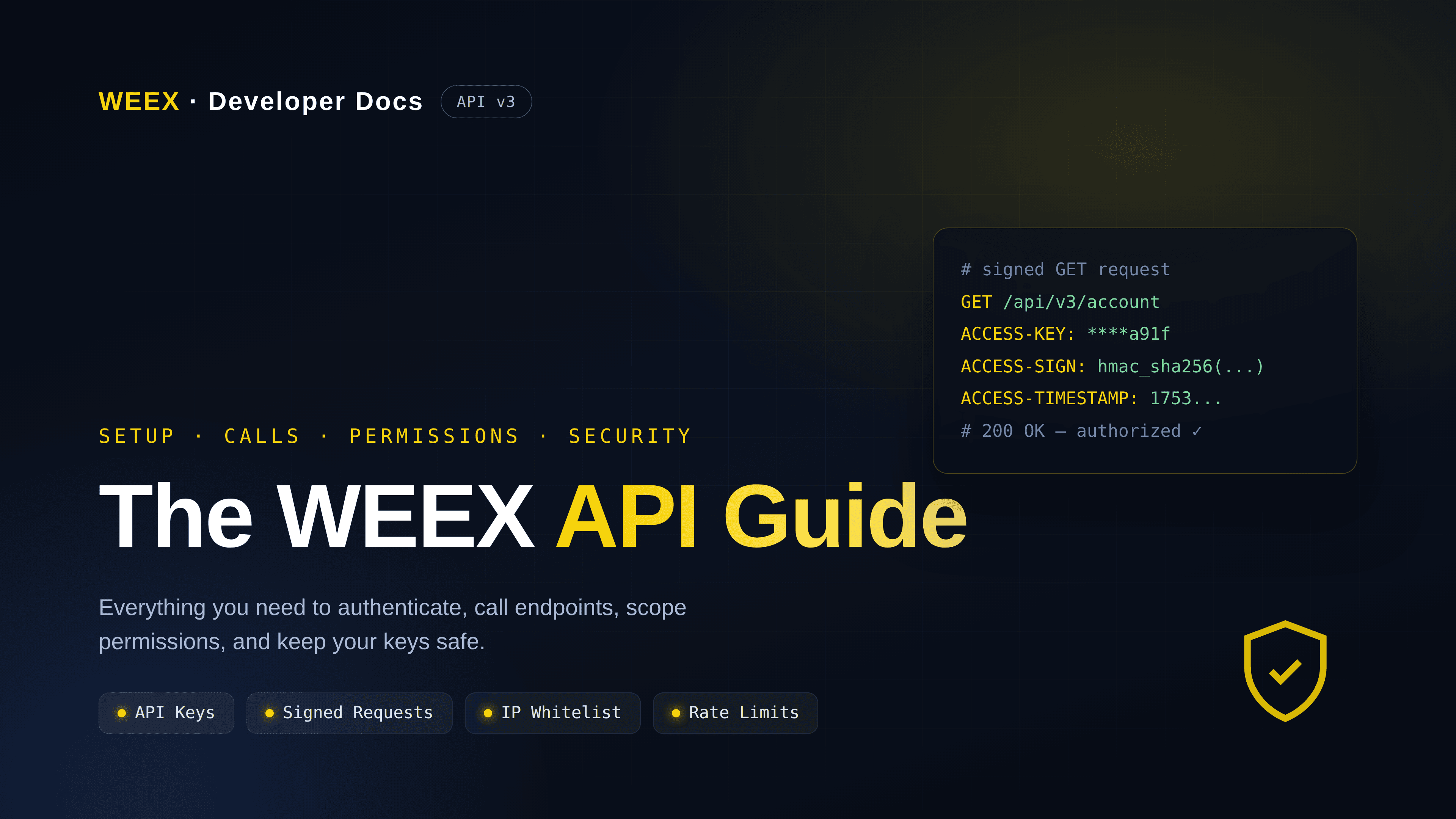
The whole barrier to private endpoints is the "sign" step. WEEX generates signatures with HMAC SHA256: encrypt the pre-sign string with your SecretKey, then Base64-encode the result. The pre-sign string is assembled in a fixed order:
timestamp + method (uppercase) + requestPath + "?" + queryString + body
The queryString is omitted when empty. Take a GET depth request as an example: /api/v3/market/depth?symbol=BTCUSDT&limit=20 with timestamp 1591089508404 produces the pre-sign string 1591089508404GET/api/v3/market/depth?symbol=BTCUSDT&limit=20.
Once signed, every private request carries four headers:
| Request header | Contents |
|---|---|
ACCESS-KEY | Your APIKey |
ACCESS-SIGN | Base64-encoded HMAC SHA256 signature |
ACCESS-TIMESTAMP | Unix timestamp in milliseconds |
ACCESS-PASSPHRASE | The Passphrase you set at key creation |
Private WebSocket channels work the same way — sign the timestamp plus the request path /v3/ws/private to log in. The spot most beginners get stuck on isn't the crypto, it's the timestamp: if your request timestamp deviates from server time by more than 30 seconds, the request is rejected outright. A wrong local clock or a stale cached timestamp will throw an inexplicable 401. Syncing NTP time before you go live saves half the debugging. Full fields and examples are in the official integration preparation doc and the signature reference.
Rate Limits and Access Rules Worth Knowing
You can't call as fast as you like. The default cap is 10 requests/second, with some endpoints stating their own limits in their docs; exceeding it returns 429 Too Many Requests. Mind the counting basis: authenticated requests are metered per API Key, unauthenticated ones per public IP — meaning several read-only scripts on one server sharing an outbound IP can crowd each other out of the public-endpoint quota.
One batching rule is worth remembering: a batch order spanning 4 trading pairs with 10 orders each counts as a single request. Grouping orders lets a high-frequency strategy raise throughput and conserve quota at the same time.
Is the WEEX API Safe? Split Controllable From Not
"Is it safe" deserves better than a yes/no. On the platform side you get signed authentication, IP binding, tiered permissions, and timestamp-based replay protection. But in API scenarios most incidents happen on the user's side — keys stored carelessly, permissions scoped too wide, credentials baked into a front end or a public repo. The controllable part is entirely in your hands:
- Scope permissions to the minimum; a read-only strategy should never hold trade permission.
- Bind a fixed IP to every key — no unrestricted keys.
- Keep SecretKey and Passphrase in environment variables or a secrets manager, never hard-coded into client-side code or committed to Git.
- Use different keys for development and production so they can't contaminate each other.
- Rotate keys on a schedule, and the moment you see abnormal calls, delete the key in the web platform — a key can be revoked and rebuilt anytime, and that's the fastest way to stop the bleeding.
- Put monitoring and alerts on account activity and call volume so unusual frequency or orders surface immediately.
For a broader capability overview and common questions, see WEEX's explainer on whether WEEX supports API trading. Get the checklist above right, and the safety of the WEEX API comes down mostly to your key hygiene rather than anything mysterious.
The Short Version
The path to the WEEX API is actually clean: create an API Key with minimum permissions on the web platform (Read Only by default, trade enabled manually), collect the APIKey / SecretKey / Passphrase trio, and bind an IP; when calling private endpoints, sign with HMAC SHA256 in the fixed format, send all four headers, and respect the 30-second timestamp window and the 10-requests-per-second cap; finally, lock down key hygiene, least-privilege permissions, IP whitelisting, and alerting. To start hands-on, run your first request against the public market endpoints in the WEEX developer center, then layer in private order placement.
FAQ
1. Does WEEX support API trading?
Yes. WEEX offers REST and WebSocket interfaces for automated market data, order placement and cancellation, and account management, across spot and USDT-margined futures — suitable for quant, grid, and market-making bots.
2. How many API Keys can one account create?
Up to 10 groups. It's best to split them by strategy and environment — a read-only monitor key, a spot-trading key, a dev/test key — so they run independently and can be revoked individually.
3. What if I forget the Passphrase?
It can't be recovered. The Passphrase is a phrase you define at creation, and the system doesn't store it in plaintext. If lost, you delete that API Key group and create a new one.
4. Why do my private requests keep getting rejected?
The most common cause is the timestamp. If your request timestamp deviates from WEEX server time by more than 30 seconds it's rejected — sync your local clock first. Then check the pre-sign string order, that the method name is uppercase, and that all four headers are present.
5. If my API Key leaks, can an attacker withdraw my coins?
For the spot API the risk is relatively contained — as of July 2026 the documented permissions are only Read Only and Spot trading, with no standalone withdrawal permission. Even so, delete the leaked key in the web platform immediately and check for any abnormal orders.
6. Are there rate limits on calls?
Yes. The default is 10 requests/second; exceeding it returns 429. Authenticated requests are counted per API Key and unauthenticated ones per IP. A batch order (e.g. 4 pairs with 10 orders each) counts as one request, which high-frequency strategies can use to save quota.
Risk Warning
Digital assets are highly volatile, and programmatic trading through an API can amplify rather than reduce risk, potentially leading to partial or total loss of principal. Risks specific to API trading include theft or unauthorized orders from a leaked key, cascading mis-orders from a code logic error, failed orders from network latency or timestamp drift, being rate-limited by exceeding call limits and missing the market, and liquidation risk under futures leverage. Always scope keys to least privilege, bind an IP, safeguard your SecretKey and Passphrase, and test thoroughly in a small-size environment before going live. This article is a technical integration guide only and is not investment advice.
Disclaimer: This content is provided for general branding and informational purposes only and doesn't constitute financial, investment, legal, or tax advice. Any events, rewards, online events, or related information mentioned herein should not be considered a recommendation, solicitation, or invitation to purchase, sell, trade, or otherwise deal in any crypto assets or to use any services. Crypto assets are highly volatile and may result in loss. WEEX services and online events may not be available in all regions and are subject to applicable laws, regulations, and eligibility requirements. You are responsible for ensuring that your use of WEEX services complies with local laws and for carefully assessing the risks before participating in any crypto-related activities.
You may also like

What Is a Broker? The Complete Guide to Understanding Financial and Crypto Brokers

How to Compare Crypto Brokers: What the Rankings Don't Tell You and What Actually Matters

Oracle Stock Price Prediction 2026-2027: Can ORCL Reach $250 After the Pentagon Deal?

Is Oracle Stock a Buy After the $7 Billion Pentagon Deal? What the Defense Contract Changes
SPCX Stock Price Is Down $1 Trillion From Its Peak: Is Now the Time to Buy?
Is Tesla Stock a Buy at $320 After the Q2 Earnings Crash?

SPCX Stock Price and Starship Flight 13: What Tonight's Launch Needs to Deliver

Why Tesla Stock Crashed 14% on Record Revenue: What the 1.4% Operating Margin Actually Means
Tesla Stock Is Betting Everything on Robotaxi and Optimus: What Investors Are Actually Paying For
Intel Stock vs AMD Stock: Which Chip Giant Is the Better Buy After Q2?
Intel Stock Price Prediction 2026-2027: Can INTC Reach $150 After the Foundry Turnaround?

What Is Tokenized USO/USOS and How Do Commodity-Backed RWAs Function in DeFi Trading in 2026
What Are the Risks and Rewards of Trading Tokenized Equities Like GME On-Chain in 2026

Is Intel Stock a Buy After Q2 Earnings? What 163% Year to Date Gain and Raised Guidance Tell Investors
How Does Tokenized GameStop (GMEx) Differ From the GME Meme Coin on Blockchains in 2026
Goldman Sachs CEO Backs Senate Crypto Bill: The Institutional Blueprint for Wall Street On-Chain Liquidity in 2026
Intel Stock Soars After Q2 Earnings Beat: What the Strongest Revenue Growth in 15 Years Actually Means

Why Did Goldman Sachs CEO David Solomon Endorse the Senate Crypto CLARITY Act in 2026

WEEX API Compatibility: What Changes When You Migrate From Another Exchange
WEEX API Python SDK: How to Sign and Call It End to End
CRUDEOIL Airdrop: Share 50,000 USDT Rewards on WEEX
USDC Use Cases Explained: Payments, DeFi, Cross-Border Transfers, and Key Risks
Top Crypto Brokers in 2026: Types, Rankings and How to Choose the Right One
SpaceX IPO Stock Performance: SPCX From $135 to the Lock-Up Test
What Is a Crypto Broker? How Is It Different From a Crypto Exchange?
What Is a Futures API? How to Call It and Keep It Safe
Robinhood Chain Explorer: How to Find the Official One
5 Reasons WEEX Poker Party Series 4 Is the Event You Don't Skip
The Joker Is Back: Draw Your Share of a $1,000,000 USDT Pool on WEEX
How to Start Crypto Quantitative Trading as an Individual
What Is a Broker? The Complete Guide to Understanding Financial and Crypto Brokers
How to Compare Crypto Brokers: What the Rankings Don't Tell You and What Actually Matters
Oracle Stock Price Prediction 2026-2027: Can ORCL Reach $250 After the Pentagon Deal?
Is Oracle Stock a Buy After the $7 Billion Pentagon Deal? What the Defense Contract Changes
SPCX Stock Price Is Down $1 Trillion From Its Peak: Is Now the Time to Buy?
Is Tesla Stock a Buy at $320 After the Q2 Earnings Crash?